从 VSIX 安装
下载后,在 VS Code 的扩展面板点击右上角“…” → “从 VSIX 安装…” → 选择下载文件。
code --install-extension nl2cga-0.1.0.vsix
把 CGA 生成和规则修复放进你的编辑器。需要 VS Code 1.85 或更新版本。
下载后,在 VS Code 的扩展面板点击右上角“…” → “从 VSIX 安装…” → 选择下载文件。
code --install-extension nl2cga-0.1.0.vsix
打开 我的 Key,创建具有 cga:generate 权限的 Key。明文仅创建时展示一次,请妥善保存;遗失后可轮换。
按 Ctrl/⌘ + Shift + P,运行 NL2CGA: Set API Key 并粘贴 Key。插件使用 VS Code SecretStorage 保存。
设置 nl2cga.endpoint 为:
https://www.nl2cga.com
运行 NL2CGA: Generate CGA,输入建模描述;结果打开为新文档。修复时打开 CGA 文件,运行 NL2CGA: Repair CGA 并填写问题。
0.1.0 客户端请求超时为 60 秒;错误详情见 Output → NL2CGA。
以下为 2026-09-30 使用新建 API Key 实测返回的 CGA 全文,任务状态 succeeded。内容为模型原始输出,尚未另行用桌面 CityEngine 验证。
attr lotWidth = 10
attr lotDepth = 10
attr height = 10
attr window_ratio = 0.4

@StartRule
Lot -->
	primitiveQuad(lotWidth, lotDepth)
	extrude(height)
	comp(f){ top: Roof | side: Facade }

Roof -->
	platform(0.5)
	color(0.5, 0.5, 0.5)

Facade -->
	split(y){ ~3.33: Floor }*

Floor -->
	split(y){ 1.5: Sill | 'window_ratio: Wall }

Sill -->
	color(0.8, 0.8, 0.85)

Wall -->
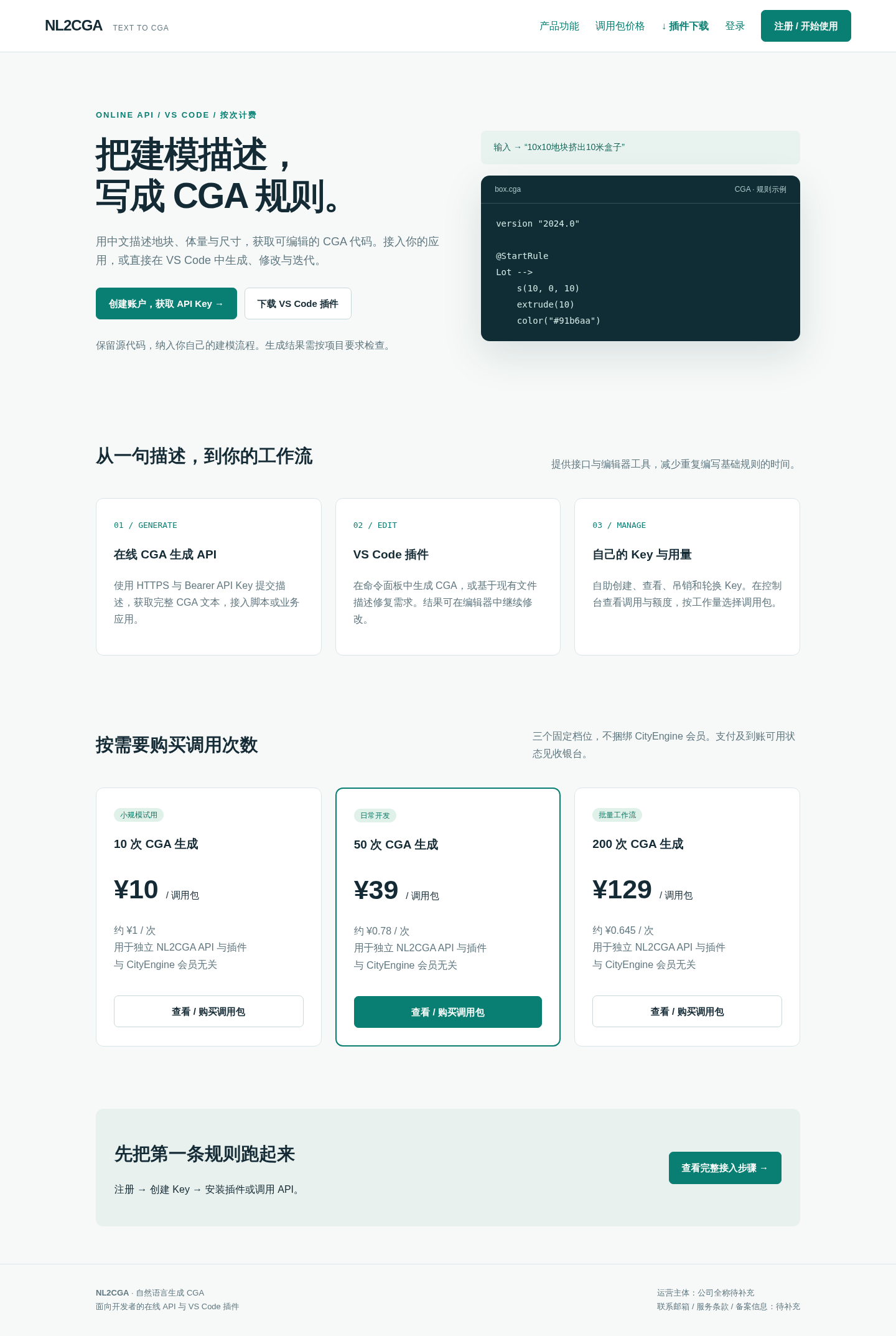
color(0.5, 0.6, 0.7)由无头浏览器截取本站真实产品界面,不是插件运行截图。